The best mobile phones for elderly users are the ones that actually get used: loud enough to hear, clear enough to see and simple enough that calling family never feels like a chore. Whether you want a big button mobile phone for the elderly or an easier smartphone for video calls with grandchildren, this guide to mobile phones for elderly people explains your options.
Staying in touch, made simple
Phones designed for older users focus on clarity: big keys, loud sound, simple menus and an emergency button that calls family.
In this guide- Big button phones, flip phones or smartphones?
- Features that genuinely help
- Our shortlist of phones for older people
- Setting up a phone for a loved one
The short answer
- Choose 4GOlder 3G networks have been switched off in the UK, so choose a 4G phone to stay connected.
- An SOS button gives peace of mindMany senior phones have an assistance button that calls or texts chosen contacts.
- Hearing aid compatibility mattersLook for loud, clear speakers and an HAC (hearing aid compatible) rating.
- A charging cradle helpsDropping the phone into a cradle is easier than fiddling with a cable.
Contents
Which type of phone is right?
Big button phones are for calls and texts only. Keys are large and well spaced, menus are short, and batteries last for days. Ideal for people who don’t want a smartphone, or who have sight, dexterity or memory difficulties.
Flip phones fold shut, which protects the keys and makes answering a call as simple as opening the phone. Many people find them reassuringly familiar.
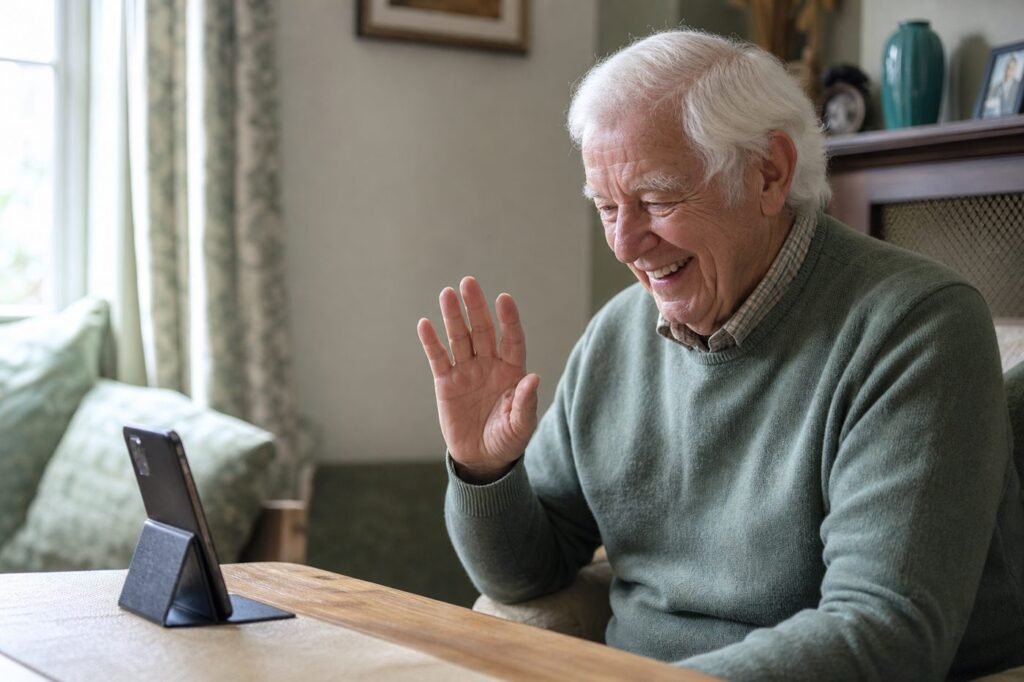
Simple smartphones offer WhatsApp, video calls and photos, but with simplified menus and a physical home button. They suit people who want to see the grandchildren on video but find standard smartphones confusing.
Standard smartphones can also work well. Both iPhone and Android have accessibility settings, including larger text, simplified layouts and louder sound.
Features that genuinely help
- Assistance (SOS) button that calls or texts a list of contacts, often sharing your location.
- Loud, clear sound and hearing aid compatibility.
- Large, high-contrast screen and text.
- Talking keys, which read numbers aloud as you press them.
- Photo speed dials so you can call family by tapping their picture.
- Charging cradle for easy charging.
- Long battery life, so the phone isn’t flat when it’s needed.
Our shortlist of mobile phones for elderly people
Doro is the best-known brand for senior phones in the UK, with several models also tested by independent reviewers.

Doro 8100
Best for: Video calls, WhatsApp and photos, made easier
An Android smartphone with Doro’s simplified interface, built around what you want to do (call, look, send) rather than apps. It has an assistance button and remote help from family through Doro’s app.
What we like
- Simplified, friendly menus
- Assistance button
- Family can help remotely
Worth knowing
- Pricier than standard budget phones
- Modest camera
Prices and availability are accurate as of the last update and may change. Please check the listing (including maximum user weight and dimensions) before you buy.

Doro 6820
Best for: Calls and texts with a familiar flip design
A 4G flip phone with big, talking number keys, a clear screen, an assistance button and a charging cradle. Open to answer, close to hang up.
What we like
- Easy to answer and end calls
- Talking keys
- Charging cradle included
Worth knowing
- Not a smartphone
- Small camera
Prices and availability are accurate as of the last update and may change. Please check the listing (including maximum user weight and dimensions) before you buy.

Doro 5860
Best for: People with arthritis or tremors
A simple 4G phone with large, well-spaced keys designed to be easy to press, plus an assistance button. A good choice where fiddly buttons are a problem.
What we like
- Large, well-spaced keys
- Assistance button
- Long battery life
Worth knowing
- Calls and texts only
- Basic screen
Prices and availability are accurate as of the last update and may change. Please check the listing (including maximum user weight and dimensions) before you buy.

Motorola Moto G15
Best for: A low-cost smartphone with a big battery
A standard Android phone at a gentle price, with a large screen and big battery. Use Android’s accessibility settings to enlarge text and simplify the home screen.
What we like
- Great value
- Large screen
- Long-lasting battery
Worth knowing
- No dedicated SOS button
- Needs setting up for simplicity
Prices and availability are accurate as of the last update and may change. Please check the listing (including maximum user weight and dimensions) before you buy.
Pay monthly or SIM-only?
Many older people make few calls and use little data, so a low-cost SIM-only or pay-as-you-go plan is often best value. Check that the network has good signal at home.
Related safety tech
A phone with an SOS button is a great start. For extra reassurance, read our guides to personal alarms and blood pressure monitors.
More trusted help with mobile phones for elderly people
Age UK offers free help with technology, including setting up mobile phones for elderly relatives. Many local libraries also run free digital skills sessions.
Keep reading
Frequently asked questions
What is the easiest mobile phone for an elderly person to use?
For calls and texts, a big button or flip phone from a senior brand such as Doro is usually easiest. For video calls, a simple smartphone with a simplified interface is a good compromise.
Do big button phones work on all UK networks?
Most unlocked 4G big button phones work on all major UK networks. Avoid older 3G-only phones, as 3G networks have been switched off.
What is an SOS button on a mobile phone?
An assistance button, usually on the back, that calls or texts chosen contacts when pressed, and on some phones shares your location.
Is a smartphone suitable for someone with dementia?
Often a simple big button phone with photo speed dials is easier. Some phones and apps allow carers to simplify menus and manage settings remotely.